# Autoprompt
Autoprompt is a skill you install into a coding agent you already use. On a public benchmark it
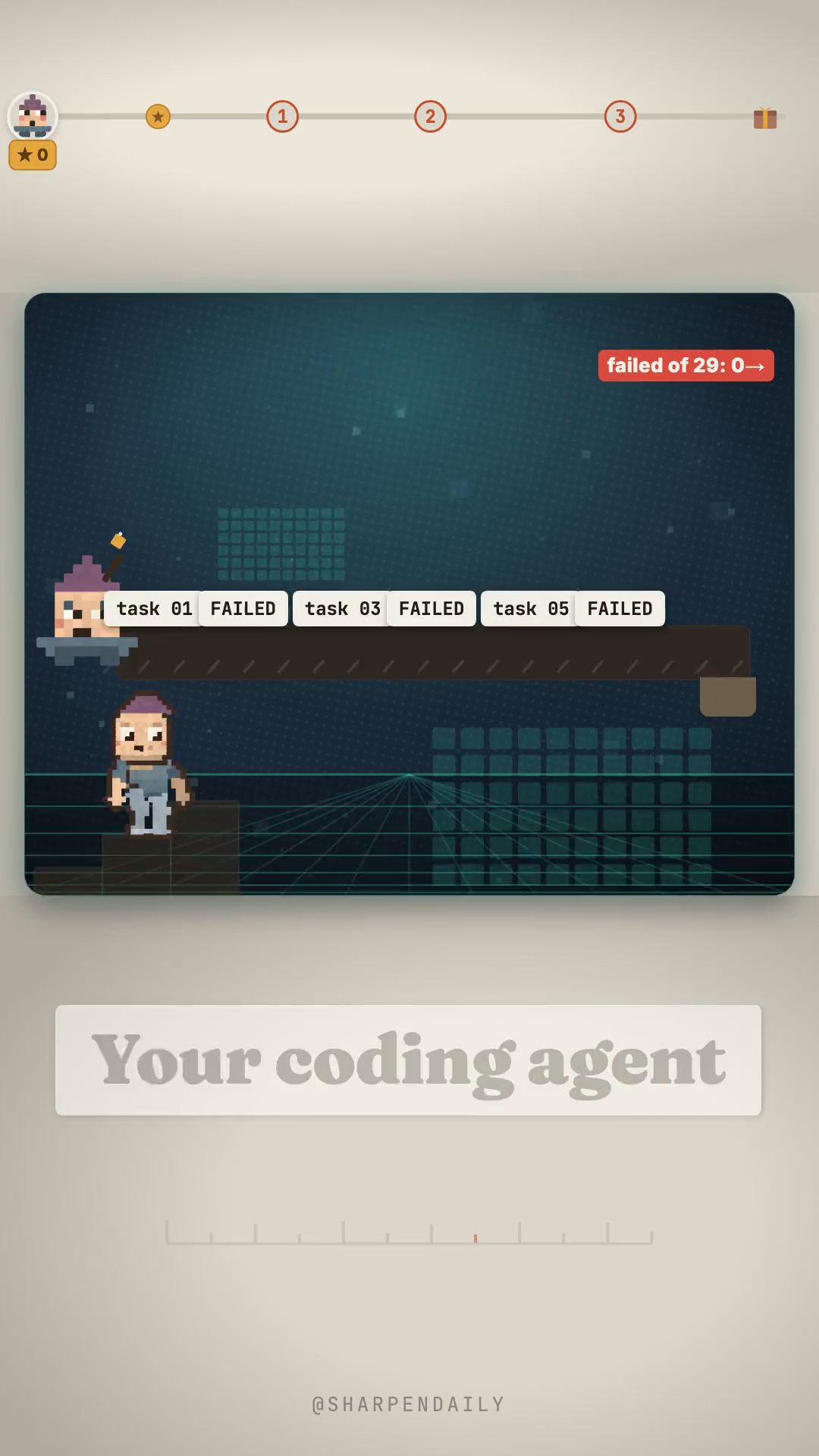
took the same agent from 60 of 89 tasks solved to 73 — 29 failures down to 16, which is about
45% fewer failures. It is MIT, it is free, and it went up on GitHub on 17 August 2026.
The reason it is worth your evening is not the 45%. It is that the author publishes what the 45%
costs you, and then says which half of that cost was never actually measured.
What it does to your prompt
You send one prompt. Instead of the agent going straight at it, Autoprompt turns that prompt into a
staged run: planning, build, review, tests, sign-off, and a final sweep, with coordinators, a
manager, execution lanes, and independent checks that are not the thing that wrote the code.
That is the entire mechanism, and it is also the entire explanation for the cost below. It does not
make the model smarter. It makes the model do the work in a shape where mistakes get caught by
something other than you.
The benchmark, with its own boundaries
From the repo's own Benchmarks section — Terminal-Bench 2.1, OpenCode 1.18.7:
| Track | Solved | Score | Failed |
|---|---|---|---|
| OpenCode | 60/89 | 67.42% | 29 |
| OpenCode + Autoprompt | 73/89 | 82.02% | 16 |
| Change | +13 solves | +14.61 points | 45% fewer |
Two boundaries the author states rather than hides. First, a DeepSeek result of 82.7% that appears
on the same leaderboard used its own test setup, so the repo calls it a reference point and not
a comparable third run. Second, the trade-off:
> about 3x the time and 2x the tokens — and *"timing and token logs were not retained, so these
> are planning estimates based on user experience reports, not measured benchmark results."*
So the improvement is measured and the price is an estimate, and the repo tells you which is which.
That is rarer than the 45%.
Install it
You need Node.js 20+, Python 3.11+ exposed as python with PyYAML, and Bash 4.3+.
No account, no licence, no API key of its own — it rides whatever coding agent you are already
paying for, and it supports nine of them.
npm install -g autoprompt-skill
autoprompt
The second command launches an installer that asks which coding agent you have and confirms its
path. Pick yours and install. For a CLI or IDE that is not on the list, choose `Custom coding
agent`.
From source instead:
git clone https://github.com/Spielewoy/autoprompt-skill
cd autoprompt-skill
npm install -g .
autoprompt
One macOS note the README does not spell out: macOS still ships Bash 3.2, so check before you
start, and brew install bash if you are short.
bash --version
## When 3x the time is worth paying
This is the part the benchmark cannot answer for you, so decide it on purpose:
- Worth it when a failure is expensive to catch later — a migration, anything touching money or
auth, work you will not review line by line, or a task you would otherwise babysit.
- Not worth it on small edits. The repo says so itself: *"for very small tasks, this may differ
heavily."* Three passes over a one-line change is three passes over a one-line change.
The honest framing is that you are buying a review process, and you are paying for it in wall-clock
time and tokens rather than in your own attention.
What we did not check
We verified the repo, the licence, the star count, the benchmark table and every install command
against the primary source on 2026-08-24. We did not re-run Terminal-Bench ourselves, and no
independent third-party reproduction of the 45% exists that we could find. The number is the
author's, published with its method and its boundaries — which is the strongest form an unreproduced
claim comes in, and still not the same thing as reproduced.
Star counts move. Check it yourself before you quote it:
curl -s https://api.github.com/repos/Spielewoy/autoprompt-skill | grep -m1 stargazers_count
## Get the kit
The kit is the install path with the macOS gotcha, the benchmark table with both of the author's own
caveats attached, and the decision rule for when the 3x time is worth paying.
Or comment FAILS on the reel and I'll send it over.