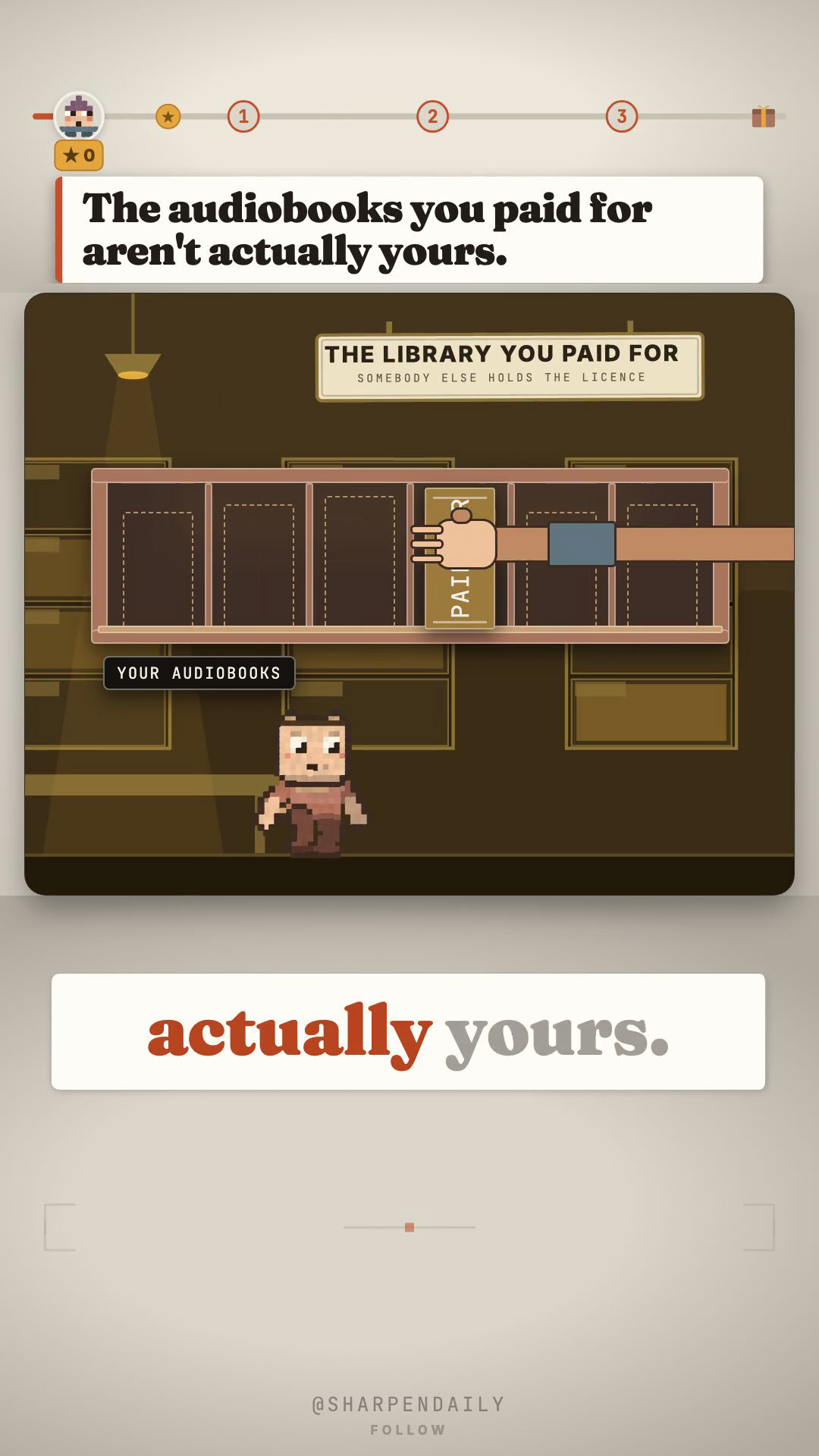
# The audiobooks you paid for aren't yours. Here's the shelf that is.
This is not a rumour and it doesn't need one. Audible's own Conditions of Use say it:
> "When you purchase content from Audible, you are purchasing a license... we do not guarantee that such content will be available for re-download and Audible will not be liable to you if it becomes unavailable for further re-download."
You bought a licence. The terms promise you nothing about tomorrow.
Audiobookshelf is your own audiobook and podcast server. GPL-3.0, 14,288 stars, one command, no monthly fee.
Read this before you install it
It will not play your Audible downloads.
I want that first, because it decides whether this tool is any use to you. Audible files are AA/AAX/AAXC and they're encrypted. The server has no decoder and doesn't claim to — I checked its own SupportedAudioTypes list, and there are twenty audio formats in it, none of them Audible's. The only Audible code in the repo hits their public catalogue for cover art and metadata.
So this is for clean files: ones you rip from CDs you own, buy DRM-free from somewhere like Libro.fm or Downpour, or borrow through a library app that hands you an MP3.
If your whole library is Audible, this doesn't solve today's problem. It solves the next one.
What it does
Streams to your phone and remembers where you stopped. Real iOS and Android apps, offline listening, and progress that syncs back.
Watches your podcasts and downloads new episodes by itself. Not a manual refresh — a real scheduled cron per podcast, in server/managers/CronManager.js.
Merges a folder of loose chapters into one clean tagged file. Point it at forty numbered MP3s and get back a single m4b with the cover and metadata embedded. This is the feature people pay for elsewhere. ffmpeg ships *inside* the container, so there is nothing extra to install.
Everyone at home gets their own login and their own bookmark. Progress is stored per user — nobody moves your place.
Ebooks too, including send-to-Kindle. epub, pdf, mobi, azw3, cbr, cbz.
Getting it running
The repo ships a docker-compose.yml:
git clone https://github.com/advplyr/audiobookshelf
cd audiobookshelf
docker compose up -d
Repo: <https://github.com/advplyr/audiobookshelf>
Every environment variable has a default, so nothing else is required to start.
The one fiddly bit
Send-to-Kindle needs your own SMTP details, and Amazon will only accept mail from an address on your approved-senders list. It also emails the file as-is with no format conversion, so send something a Kindle actually reads.
Everything else works out of the box.
What it doesn't do, so nothing surprises you
No format conversion on send. No Audible DRM. It's a server, so something has to be switched on for you to reach it — a spare laptop, a Pi, a NAS. There's no monthly fee, but there is a machine.
The checker
shelf_check.py in the kit reads your clone and prints the supported-format list straight out of the server's own globals file, then checks for aax/aaxc. If they ever add Audible support, your copy will say so instead of repeating what I found today.
Reads only. Writes nothing, installs nothing, sends nothing.
Comment SHELF and I'll send you the setup.