# The AI-Voice Filter
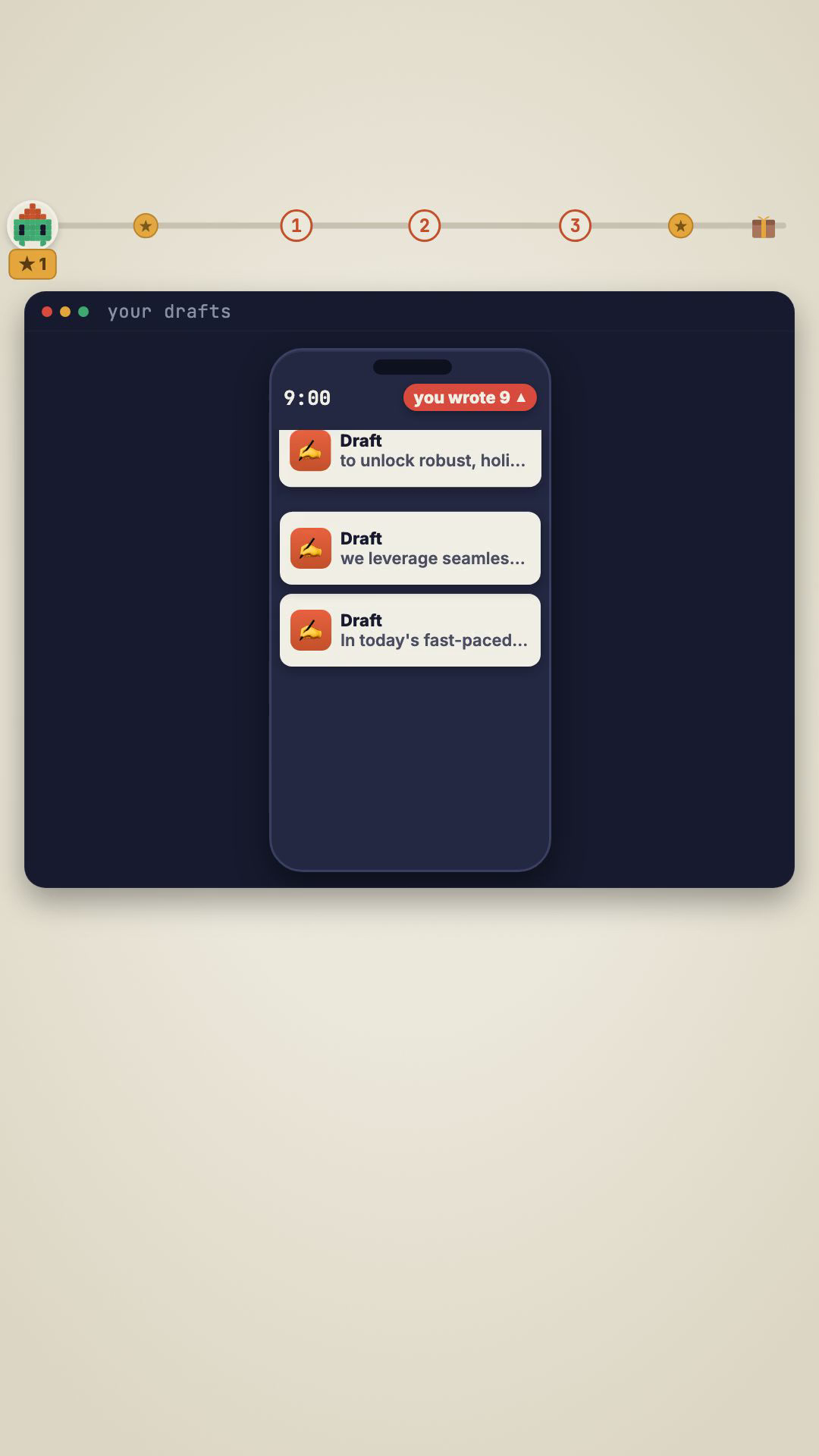
You can spot it in one line. Everything your AI writes reads the same way: hollow, generic, over-polished. Cover the byline and it could be anyone. That's the problem — not that the model is dumb, but that it has exactly one voice, and it's nobody's.
The AI-Voice Filter is the last pass your writing runs through before anyone reads it. Feed it a draft — a caption, an email, a post, a thread — and it strips the machine parts and forces one specific voice: yours. Same idea, it just finally sounds like you wrote it.
What it catches
- Buzzwords doing PR for an idea instead of describing it — leverage, seamless, robust, unlock, delve, elevate. If a word makes something sound impressive without saying *how*, it goes.
- The "not X, but Y" reframe — "it's not about the prompt, it's about the context." The #1 tell. Banned when the second half is hollow; rewritten as a direct claim with a real specific.
- Fake significance — "pivotal", "transformative", "a testament to" on normal facts. State the fact, let the reader weigh it.
- Vagueness — "users were frustrated" becomes "users clicked export six times because nothing loaded."
Install in 2 minutes
- Drop the filter into your skills folder as
anti-ai-writing/SKILL.md, or paste it into any chat as a rule. - Finish a draft, then say "run the AI-Voice Filter on this."
- It returns each tell flagged with the exact offending line, then a rewrite in your voice.
No API key, no account. It re-runs on every future piece — install once and your words stop sounding like AI, forever.
Inside the kit: the filter skill (drop-in), the tell-audit checklist (the 9-step final pass), and a before → after example with every tell named.
Want it sent straight to you? Comment VOICE on the reel and it lands in your DMs.