# slotstream: run a 104 GB model on a Mac that can't hold it
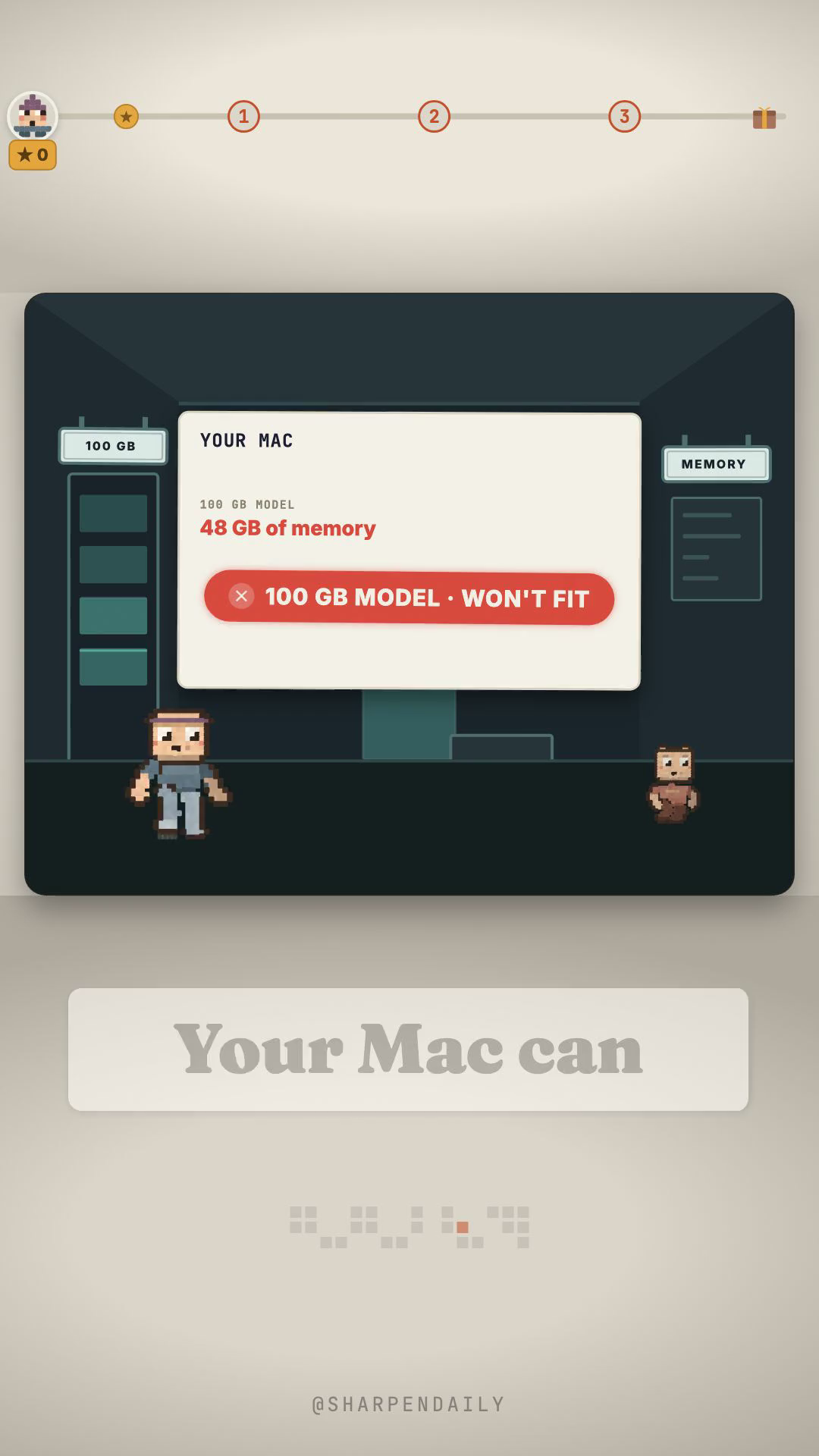
You have done this arithmetic. The model is 103.8 gigabytes. Your laptop has 48. You closed the tab.
That arithmetic is wrong, and the reason is worth two minutes.
The model never uses all of itself
Qwen3.8-Flash-Next is a mixture of experts: 48 layers, and 512 experts in each one. When it writes a single token, a router picks ten of those 512. The other 502 contribute nothing to that token.
So they do not need to be in memory. slotstream keeps the dense trunk — measured at 3.822 GB — resident, and reads the handful of experts each token needs off your SSD as it goes. It is one Swift binary, no Python, and it serves the Ollama and OpenAI chat endpoints so the tools you already point at a local model keep working.
The constraint that actually stops people is disk
Not RAM. You need roughly 110 GB free, because the weights are a one-time 103.8 GB download across 24 files. That makes a 512 GB Mac the realistic minimum however much memory you have. You also need Apple Silicon and macOS 14 or later.
Memory decides your *speed*, not whether it runs at all. On a 48 GB M5 Pro the plan auto-sizes to about 33 GB and gets roughly 12 tokens/sec of warm decode. Cap it lower and it still runs — down to about 8 GB, at roughly 3 tokens/sec.
Install it in one line
curl -fsSL https://raw.githubusercontent.com/carloslfu/slotstream/main/install.sh | sh
It installs to ~/.slotstream/bin and adds one line to your PATH. No sudo. Then, before you download 103.8 GB of anything:
slotstream doctordoctor reads your machine and prints the plan it would use — memory target, experts cached per layer, expected decode speed, and whether your disk can hold the weights. It downloads nothing. Run it first.
When it says yes:
slotstream pull      # 103.8 GB, once
slotstream serve     # Ollama-compatible, on 127.0.0.1
## Two things it will not do, said plainly
Prefill is the real wait. Decode is steady, but the time to the *first* word of a long prompt is not: an 8,000-token prompt waits about a minute on a 48 GB Mac and about three minutes on a 16 GB one. Context is capped at 32,768 tokens.
Most of the speed table is estimated. The project measured exactly one machine — a 48 GB M5 Pro — and labels every other row as a curve estimate. It says so itself, which is more than most projects do. Treat the 16 GB numbers as a projection, not a promise.
Also worth knowing: in version 0.2.0 the Ollama *CLI* itself cannot connect, and tool calling, images, JSON-schema output, logprobs and embeddings are deliberately unsupported and return a clear 400. The OpenAI SDKs and Open WebUI are the tested paths.
The kit
Rather than have you install anything to find out whether you can, the download below is a stdlib-only Python script that reads your own Mac — chip, macOS version, free disk, total and reclaimable RAM — and prints a yes or a no with the reason. No dependencies, no network, no installs. selfcheck.py proves it works before you trust its answer.
The tool is MIT. The weights are not — they remain under the Qwen community licence. Comment SLOTS on the reel and I'll send the kit over.