# Munder Difflin
One terminal is one worker, and you cannot see it working. You type, it runs, you wait, and
whatever it learned this afternoon is gone by tomorrow. Everyone who runs a coding agent has felt
that ceiling.
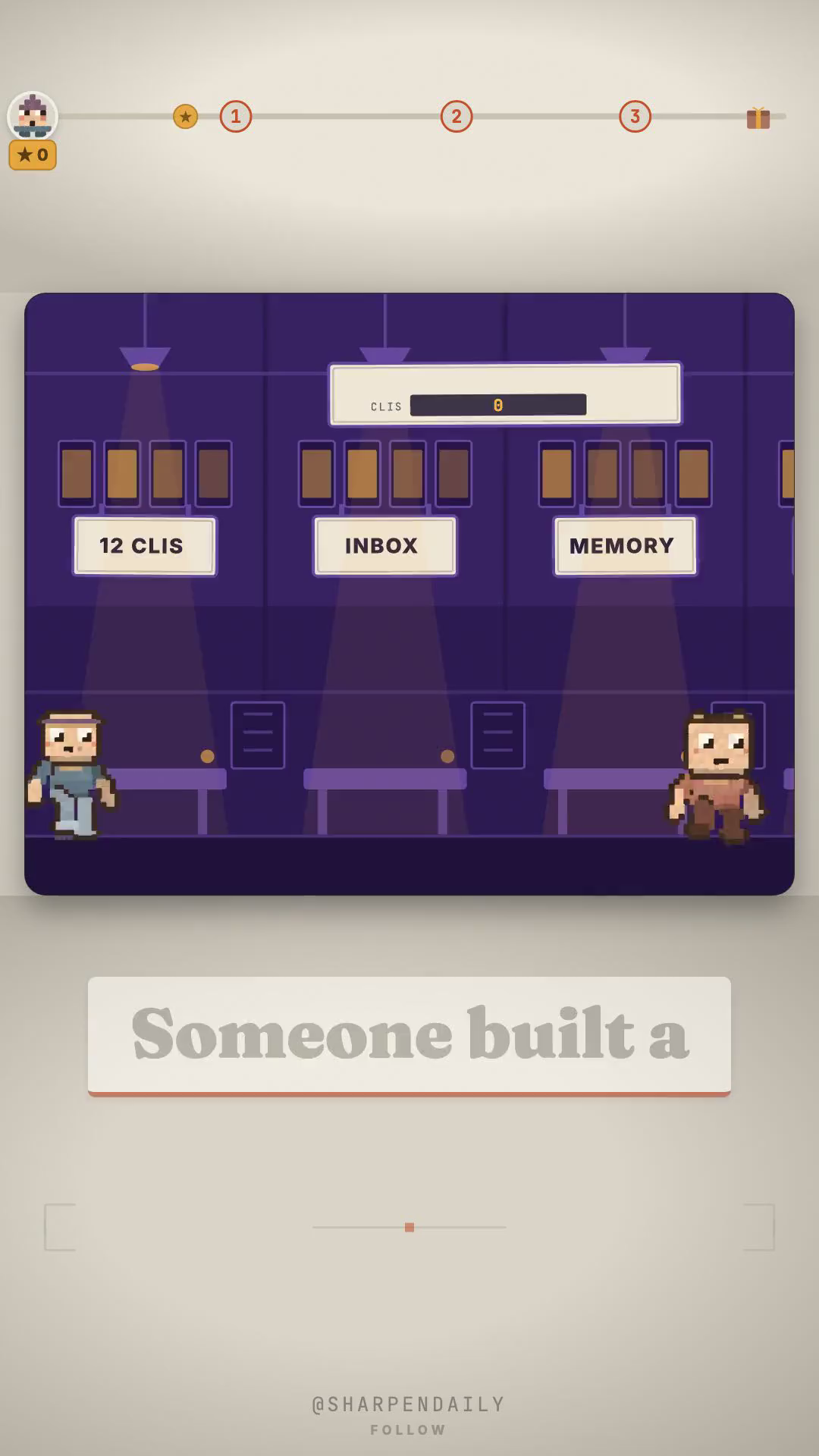
Munder Difflin is a free, MIT-licensed desktop app that opens a small 2D office and seats the
agent CLIs you already pay for at desks. Every character on that floor is a real session running on
your machine — Claude Code, Codex, Gemini CLI, Grok, Kimi, Qwen, Copilot, Cursor, OpenCode, Crush,
pi or Antigravity, twelve in all. You brief one manager. His name is Michael, and yes, the whole
thing is a Dunder Mifflin joke: the default cast is the office, Dwight and Creed included.
## Install it in one download
There is no build step. Signed and notarised macOS builds, plus Windows and Linux, sit on the
latest release:
https://github.com/chaitanyagiri/munder-difflin/releases/latest
Download Munder-Difflin-<version>-mac-universal.dmg (or the -win-x64-setup.exe, or the.AppImage), open it, and go to Settings → Prerequisites. It lists which agent CLIs it can see on
your PATH and offers to install a missing one. You need at least one.
If you would rather build from source: git clone, npm install, npm run dev, with Node 18+ and
a C toolchain for node-pty.
What is real underneath the pixels
I cloned the repository and read it before writing a word of the video, because a pixel office is
easy to draw and easy to fake. The desks are a map. The things they map are real code:
- A git worktree per agent. An isolated agent's working directory is its own worktree under
worktrees/<agent-id>, so two agents editing the same repository never collide.
- An inbox per agent, and envelopes that actually fly. MessageEnvelope.ts draws one from the
sender's desk to the recipient's when the hive routes a message. On disk it is
hive/agents/<id>/inbox/.
- Memory that survives the session. Each agent keeps a memory.md, there is a shared
blackboard, and a SQLite full-text index sits behind a searchMemory call for when keyword
recall is not enough.
- A manager whose prompt says delegate. Michael's system prompt tells him to orchestrate, not
implement: decompose the work and fan it out through the other agents' inboxes.
- Scheduled missions. Recurring jobs fire on real timers, with nobody at the keyboard.
- A leash. Spending money, destructive actions and scope changes route back to you through the
CLI's own permission prompt. There is no separate approval queue; the native prompt is the gate.
The catch
It brings no model. It is a harness around CLIs you already have, which is also why it can be free —
you bring your own subscription or API key, and every desk you fill is a session you are paying
for somewhere else. The pixel art is LimeZu's "Modern Interiors" tileset under its own licence:
you may run and even ship the app, you may not resell the art, and the credit has to stay. And the
memory graph described in the repo's spec file is a spec, not a shipped tab, as of v0.4.6.
The setup
Comment DESKS on the video and the kit arrives by DM: deskcheck.py, a read-only script that
prints which of the twelve supported CLIs are on your PATH right now — so you know how many desks
will light up before you open the office — plus the README with the download, the one CLI it
needs, and what it cannot do.