Ask any AI something that actually matters and it guesses — confident, fast, no source. The fix isn't a better prompt. It's giving the AI a private library it can't lie about, and letting it work straight out of that library.
This is the exact setup behind the video: NotebookLM holds my real sources, and Claude reads only from them — then acts on the answer. The point most people miss is that this isn't querying for the sake of querying. The win is that Claude pulls a grounded, cited answer and then DOES something with it — plans the trip, writes the doc, makes the decision — instead of you copy-pasting between ten tabs.
What it actually is
NotebookLM is Google's notebook that only answers from sources YOU load in — YouTube videos, PDFs, your own notes. It never browses the open web, so it can't drift into hallucination.
A free skill then plugs NotebookLM straight into Claude. From that point Claude stops guessing from the internet and instead reads your loaded sources, answers only from those, and every line comes back with a citation you can click to see exactly where it came from.
That's the whole trick: your trusted library lives in NotebookLM, and Claude becomes the thing that queries it for you and acts on what it finds.
The full step-by-step
- Open NotebookLM and create a notebook for the thing you're working on.
- Load your sources — YouTube links, PDFs, pasted notes. The more specific, the better the answers.
- Install the free skill that connects NotebookLM to Claude. It's a one-time setup in your terminal.
- In Claude, ask your real question in plain language. The skill sends it to NotebookLM, pulls a cited answer, and hands it back.
- Read the citations. One click on any line shows the source it came from — so you can trust it before you act.
- Then let Claude act on it: turn the grounded answer into the plan, the summary, the decision.
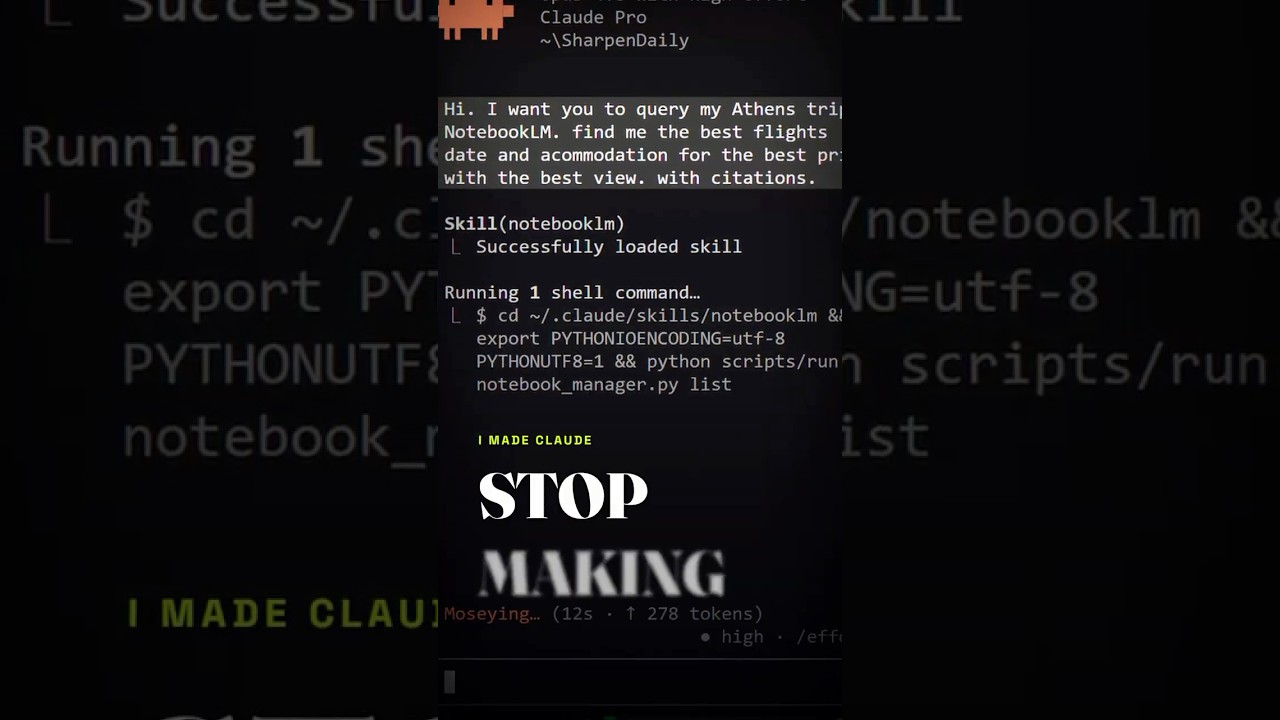
I planned my entire Athens trip this way — 19 sources, flights, hotels, car rental — in about one hour instead of five.
The exact prompt
The skill does the heavy lifting, so the prompt is just you talking to Claude in plain language and telling it to use the notebook. What I actually type:
Using my NotebookLM sources only, answer this and cite every claim: plan a 4-day Athens trip from my 19 sources — best flights, where to stay, and whether to rent a car. If a source doesn't cover something, say so instead of guessing.
The two lines that matter are "using my NotebookLM sources only" and "if a source doesn't cover something, say so instead of guessing." That's what kills the made-up answers.
Tools & links
- NotebookLM: the private, source-only library that holds what you trust. Free. notebooklm.google.com
- Claude: the AI that queries the notebook and acts on the answer. claude.com
- The connector skill: the free piece that wires the two together, credit PleasePrompto. github.com/PleasePrompto/notebooklm-skill
What most people get wrong
They treat NotebookLM as just another chatbot to ask questions in. The real leverage is making it the source layer UNDER your main AI: Claude queries it, gets cited answers, and keeps working — you never leave the place where the real work happens.
Querying without a next action is a search engine. Querying so the AI can act is a workflow.
One step to take today
Pick one task you've been doing across ten browser tabs. Make a NotebookLM notebook, drop those tabs in as sources, connect the skill, and ask Claude to do the task from those sources only. Do it once and you'll stop trusting un-cited AI answers for good.