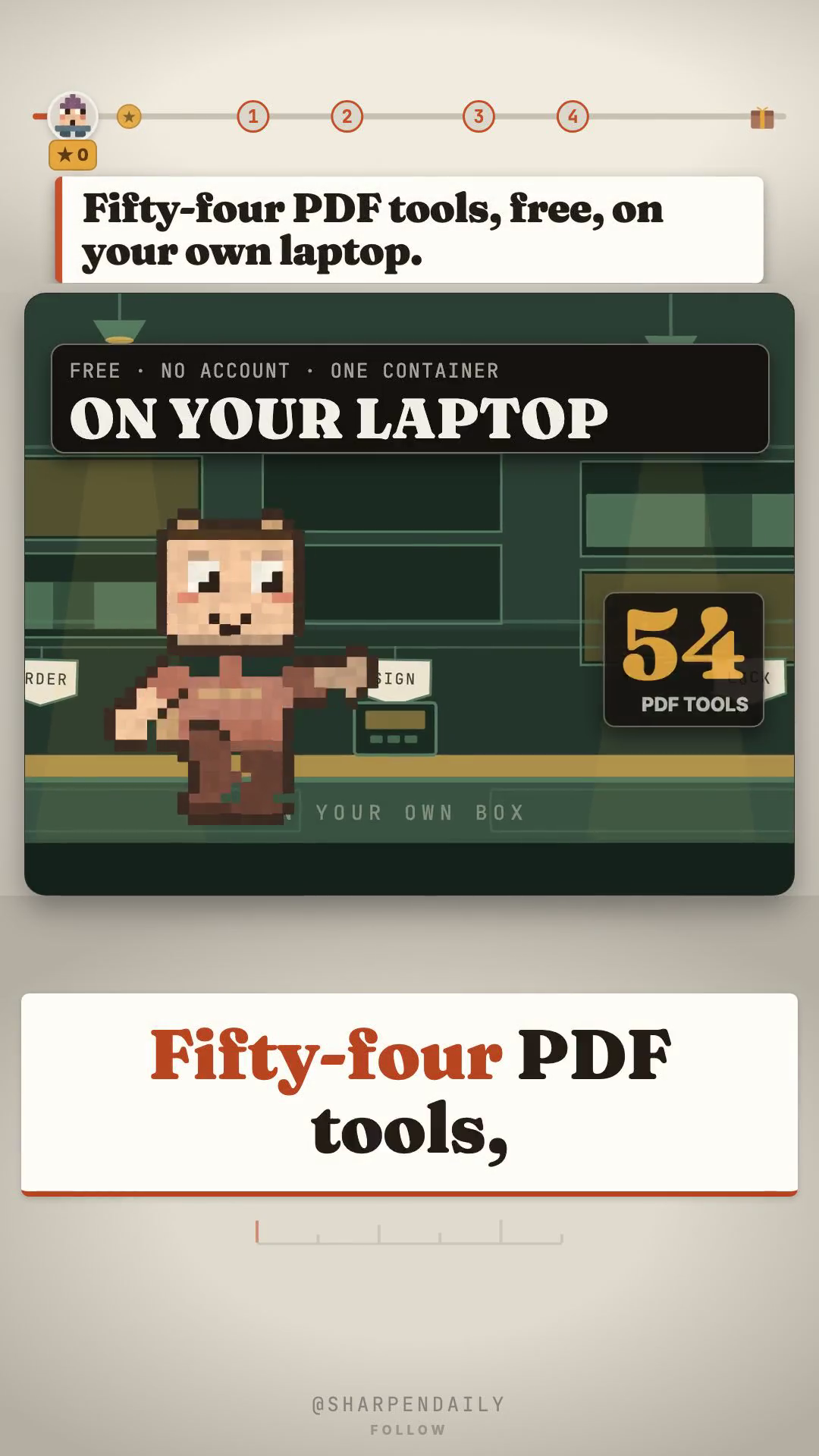
# Fifty-four PDF tools, on your own laptop — and the two things nobody tells you
Opening your own paperwork has quietly become a metered activity. The merge is free. The signature is a trial. The compress wants an account. And on the way to all three, the file goes to somebody else's server.
Stirling-PDF is the version of that where none of it happens. One container, fifty-four real PDF operations, running in your browser off your own machine. No account, no key, nothing uploaded.
It has 91,675 stars, it was created in January 2023, and it was pushed to the day before this was written. It is not a weekend project.
What the fifty-four actually are
Not "50+", which is what the README says. Fifty-four, counted off frontend/editor/src/core/types/toolId.ts — the CORE_REGULAR_TOOL_IDS list. That makes it a conservative floor rather than a marketing number.
They group like this, using the registry's own subcategories:
- Organise and format pages — 11. Merge, split, rotate, reorder, fold one into a booklet.
- Sign and certify — 4. Sign it, certify it, stamp a real trusted timestamp on it.
- Secure — 7. Password on, password off, and decide who is allowed to print.
- Redact and review — 3.
- Convert, OCR and compress — 23. Scan a page and get it back searchable. Squash a monster down to something you can email.
- Remove and clean up — 6. Strip the blank pages, the comments, the images, in one pass.
Starting it
docker run -p 8080:8080 docker.stirlingpdf.com/stirlingtools/stirling-pdf
Then http://localhost:8080. That is the install.
The one real prerequisite is Docker itself, and that is the most likely place to get stuck — if it is not already on your machine, install Docker Desktop first and then come back to that line.
The first thing nobody tells you: it is not all one licence
This is the part worth reading twice, because it is the one that could actually cost you something.
MIT, free, including commercially: app/core/. That is where the fifty-four operations live. That is the part this article is about, and you can use it at work without asking anyone.
A separate licence: engine/, app/proprietary/ and app/saas/.
So "the whole thing is free" is not a true sentence, and you should be suspicious of anyone who says it — including anyone summarising this project in a hurry. If you intend to build a product on top of it rather than use it, read those licences yourself before you plan anything around them.
There is also a hosted service with its own tiers. You do not need it to get everything described here.
The second thing: redaction has two modes, and they are not equivalent
Automatic redaction takes a word or phrase you type and removes it from the file.
Manual redaction is described by Stirling's own blog as placing boxes over the content.
A box is a drawing. Depending on how the file is produced afterwards, what sits underneath it may still be in there. This is not a criticism of the tool — both modes are legitimate and the manual one is genuinely useful for marking things up. It matters because the two look similar on screen and only one of them is what people mean when they say "redacted".
If your reason for redacting is that someone must not be able to recover the text: type the term, use the automatic flow, and then check the output file rather than trusting the preview.
Telemetry
It exists. It is PostHog, it prompts you on first launch, and it never receives the contents of your files.
To turn it off permanently, mount a settings file containing:
enableAnalytics: false
The checker below reads that value off your own config and tells you which way the switch is actually set, rather than letting you assume you set it.
The checker
The free kit is one file, belt_check.py — Python 3, standard library only, no installs.
It asks your running instance whether it is up and prints the HTTP status of every path it tries, verbatim. It reads your own settings.yml and reports the telemetry value it actually finds, with the line number. And it separates, explicitly, the things it measured on your machine from the things it is merely repeating.
It writes nothing, installs nothing, and sends nothing anywhere except to the URL you give it — which defaults to your own machine.
That last part is the point of shipping a script instead of a list. If your instance disagrees with anything written above, your instance is right.
Comment BELT and I'll send you the setup.
---
*Everything here was verified on 2026-09-11: the tool count off CORE_REGULAR_TOOL_IDS, the licence split off the repository's own directory layout, the star count and push date off the GitHub API. The project was never installed or run to write this — which is exactly why the kit is a checker that reads your copy rather than a description of ours.*